
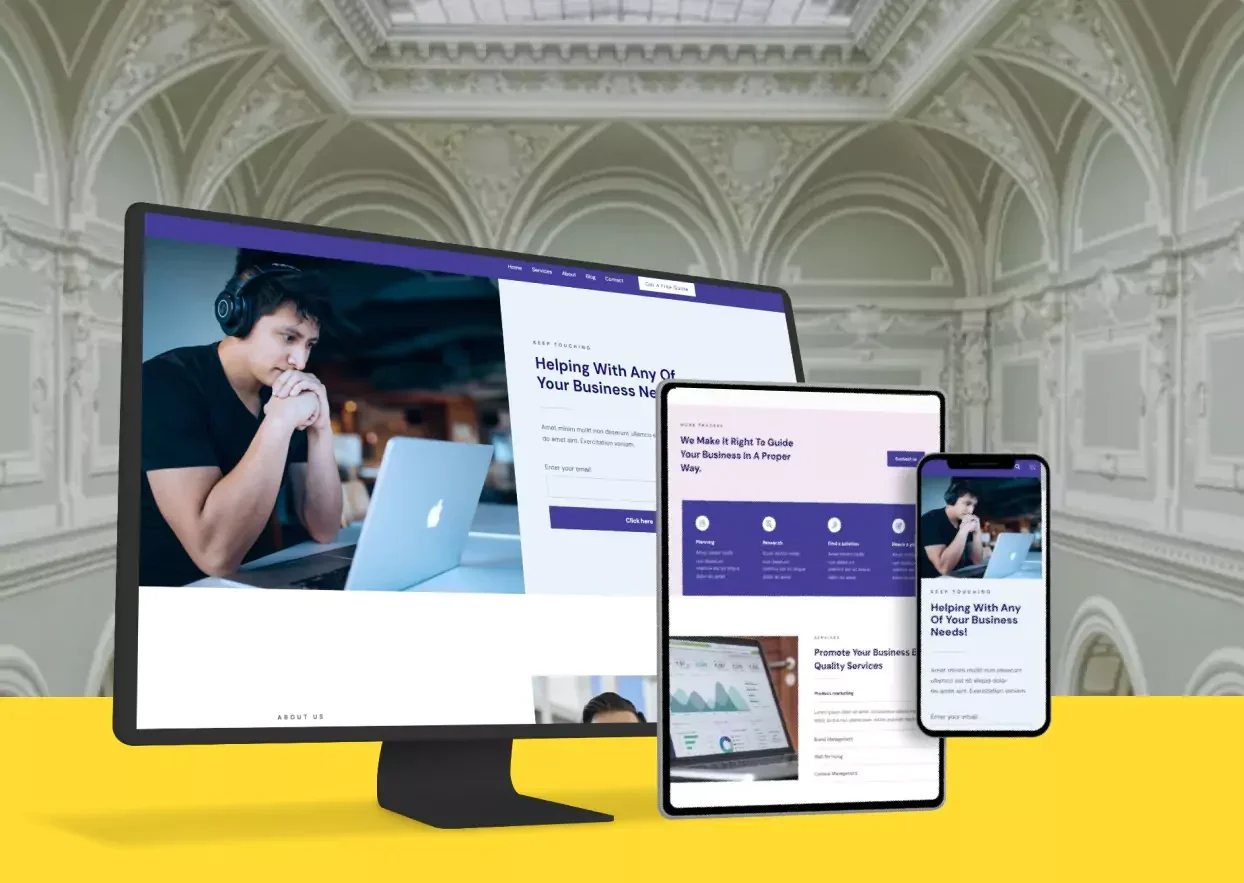
The way people use websites changes depending on the device. Desktop users, with larger screens and precise mouse control, behave differently than mobile users scrolling with their thumbs. Understanding these differences is key to designing websites that perform well for all visitors, whether in the EU, the UK, or globally.
Let’s explore how scrolling habits, decision-making speed, design priorities, and common mistakes affect user experience on desktop and mobile.
1. Scrolling Habits on Different Devices
Desktop users scan strategically
When you browse on a desktop, your eyes move across the screen in predictable patterns. You might read horizontally, scanning sidebars, menus, and main content at the same time. Large screens allow multiple content sections to be visible at once, so you can decide what interests you quickly.
Desktop users often rely on peripheral vision. You notice banners, menus, or icons without clicking immediately. You may compare multiple options before taking action. A simple, organized layout helps you absorb information efficiently and avoids overwhelming the eyes.
Mobile users scroll instinctively
On mobile, scrolling is almost automatic. You swipe vertically, often without reading every word. Your attention jumps from headline to image to call-to-action. Mobile users rely on touch, not a precise pointer, so clickable elements need to be clear, large, and spaced adequately.
You may scroll past content quickly if it isn’t immediately engaging. That’s why above-the-fold content matters even more on mobile — the first screen a user sees can decide whether they stay or leave. Simplicity, clear visuals, and concise headlines make scrolling feel natural rather than frustrating.
Scrolling speed affects engagement
Desktop users tend to scroll slower, pausing to process multiple elements. Mobile users scroll faster and decide more quickly whether content is worth interacting with. You must design for these habits, placing important information in prominent positions and using visual cues that guide attention.
Understanding scrolling patterns helps you prioritize content effectively. On mobile, long blocks of text may lose readers. On desktop, complex layouts can work if structured logically. Adjusting your approach ensures users get the most from your site, no matter the device.
By recognizing the differences in scanning and scrolling habits between desktop and mobile, you can design websites that feel intuitive, reduce friction, and improve engagement. Simple layouts, clear visual hierarchy, and concise content benefit all users, especially in EU and UK markets.
2. Why Mobile Users Decide Faster
Limited attention spans
When you browse on a mobile device, decisions happen almost instantly. Users are often on the move, multitasking, or using small screens that demand rapid comprehension. Unlike desktop visitors, they rarely explore every option before deciding to click, leave, or scroll past.
Mobile users expect immediate clarity. Buttons, calls-to-action, and essential content must be obvious. You need to reduce cognitive load and provide answers quickly. Otherwise, you risk losing engagement before users even interact.
Context matters
Mobile browsing often happens in shorter sessions and different contexts. You could be checking your phone while commuting, waiting in line, or during a short break. Desktop browsing usually occurs in longer, focused sessions.
As a website owner, you should consider how context affects user intent. Mobile visitors are often looking for quick solutions — contact info, store locations, or product details. Presenting this information promptly improves user satisfaction and encourages faster conversions.
Design for fast decisions
Because mobile users decide quickly, your design must highlight priority actions. Large buttons, prominent headlines, and clear calls-to-action guide users naturally. Avoid hidden menus or overly complex interactions that require extra taps or gestures.
You also want to minimize distractions. Pop-ups, multiple banners, and excessive animations slow decision-making and frustrate mobile users. A clean, focused mobile layout helps users act confidently, improving both engagement and conversion rates.
Mobile users act faster than desktop users due to attention limitations, context, and device constraints. Clear design, concise content, and visible actions help you capture engagement and reduce bounce rates.
3. Design Priorities for Small Screens
Simplify navigation
Mobile screens are small, so menus must be concise and intuitive. Collapsible menus, sticky headers, and strategically placed icons make navigation effortless. You want users to find what they need in a few taps, not several scrolls.
Prioritize essential pages and features. Unnecessary complexity confuses users. If it doesn’t help them achieve their goal quickly, remove it. Simplicity improves usability and reduces frustration.
Readable text and visuals
On mobile, readability is everything. Fonts must be large enough, spacing generous, and line lengths short. Images should be optimized for fast loading without sacrificing clarity.
You want users to absorb information comfortably. Tiny buttons, cramped text, or cluttered visuals slow comprehension. By prioritizing legibility, you make the experience pleasant, encouraging users to stay longer and interact more.
Fast loading and responsiveness
Mobile users often rely on varying internet speeds. Slow-loading pages lead to quick exits. Optimizing images, compressing files, and using responsive frameworks ensures your site loads promptly on any device.
Responsive design adapts layouts for different screen sizes, ensuring buttons, text, and images display correctly. Visitors expect seamless experiences whether on a smartphone, tablet, or desktop. Meeting these expectations improves satisfaction and boosts search engine rankings.
Small-screen design requires simplicity, clarity, and performance. Prioritize readable content, intuitive navigation, and fast-loading pages to meet mobile user expectations effectively.
4. Mistakes That Hurt Mobile Experience
Overcrowding the screen
Trying to fit too much on a small screen overwhelms users. Multiple banners, long menus, or dense text blocks reduce clarity. You want your content to breathe. Each element should have space to stand out.
A clean layout helps users scan and act. Avoid clutter, prioritize essential content, and simplify interactions for mobile users.
Hidden calls-to-action
If buttons or important links are buried or too small, mobile users may miss them entirely. Every click requires effort on mobile, so make actions obvious and accessible.
You can use sticky buttons, prominent placement, or visual cues to ensure users notice and understand the next step. Clear CTAs improve engagement and conversions.
Ignoring performance and responsiveness
Slow-loading websites and non-responsive layouts are major mobile turn-offs. Users expect fast and smooth experiences.
Optimize images, compress files, and test your website across devices. Responsive design ensures consistency and usability, keeping mobile users engaged.
Neglecting touch interactions
Mobile users tap, swipe, and pinch. Small buttons, tightly spaced links, or hover-only interactions frustrate them.
Design with touch in mind. Make buttons large, space links apart, and avoid complex hover effects. Simple, touch-friendly interactions improve the mobile experience.
Common mobile mistakes – cluttered screens, hidden CTAs, slow performance, and poor touch design – hurt user experience. Fixing these ensures smoother browsing and higher engagement.
Last but Not Least
Desktop and mobile users behave differently. Understanding scrolling habits, decision speed, design priorities, and common mistakes helps you create websites that feel intuitive on any device.
Design for clarity, simplicity, and responsiveness. Prioritize fast decisions, readable content, and touch-friendly navigation. When you meet users’ expectations, engagement rises, bounce rates fall, and conversions improve.
Simple, well-structured websites perform better everywhere – from London to Berlin, and beyond.